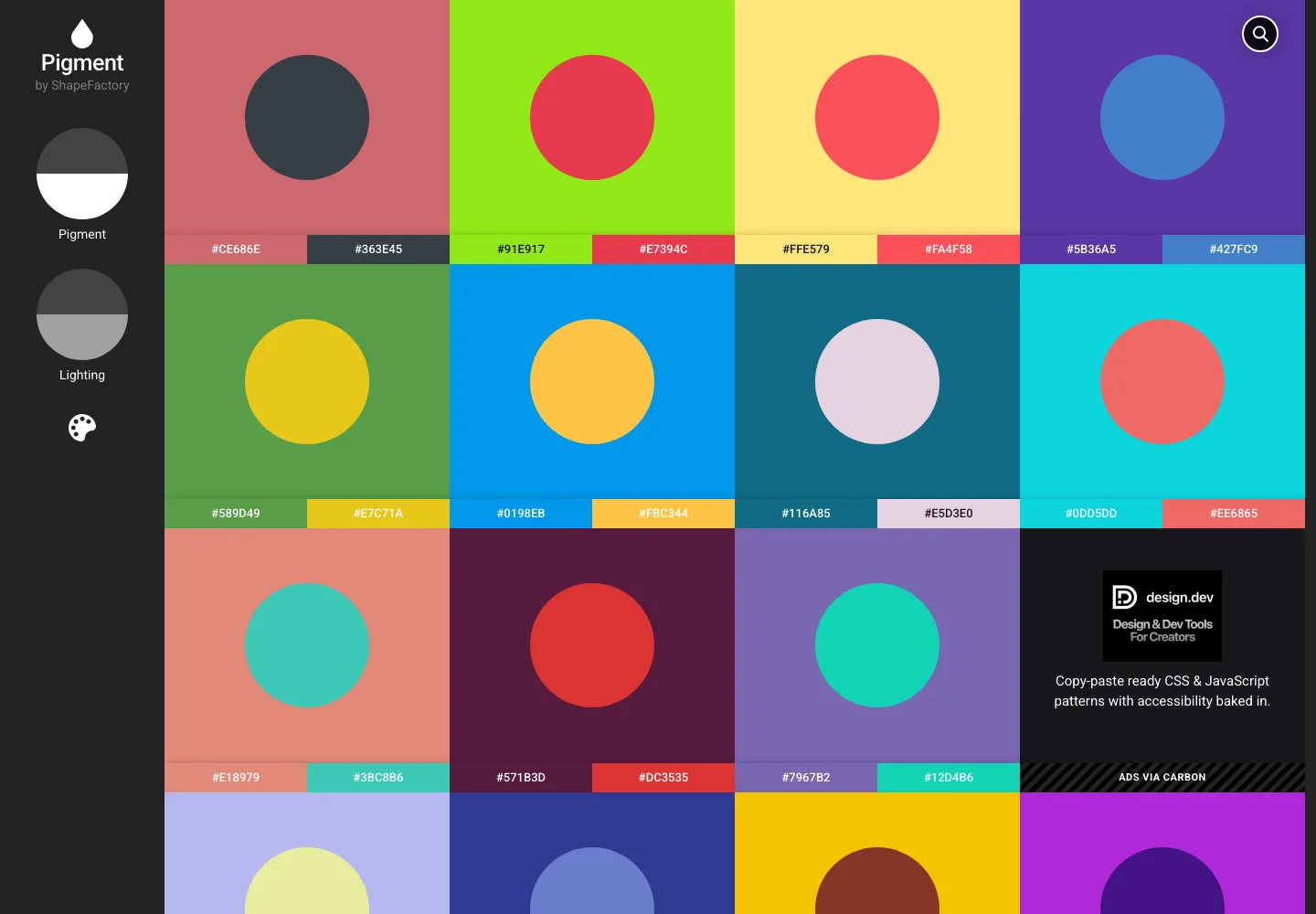
Pigment by Shapefactory is a free color palette generator that creates stunning, visually rich gradients for UI and web design. Save your palettes as HEX, RGB, or Pantone — and get inspired by Unsplash photos.
What is Pigment by Shapefactory?
Pigment by Shapefactory is a free, web-based color palette tool that goes far beyond typical palette generators. It generates beautiful, publication-quality color gradients using a unique algorithm that produces colors that are always harmonious and aesthetically pleasing.
Key Features
- One-click palette generation — Generate a new palette instantly, each one guaranteed to look great
- Multiple color formats — Export colors in HEX, RGB, and Pantone for use in any design or development tool
- Photo-based palettes — Uses Unsplash to generate palettes from real photography
- Contrast-aware — Quickly scan palettes to check for accessible contrast between foreground and background colors
- Instant download — Save your palette as a PNG or copy individual color codes
Why Designers Love Pigment
Unlike tools that just show you random colors, Pigment generates colors that work together. The gradients feel premium — no muddy mixes or clashing hues. It's become a go-to tool for UI designers who need a starting palette for a new project, or want quick inspiration for brand colors.
How to Use It
- Open pigment.shapefactory.co
- Click to generate a new palette or search for an Unsplash photo to extract colors from
- Click any color to copy HEX, RGB, or Pantone values
- Save or screenshot your favorite palettes for reference
Related Color Tools
- Coolors — another popular palette generator
- Duotone by Shapefactory — apply duotone effects to photos
- CSS Gradient — generate CSS gradient code
Pigment by Shapefactory
In the same category
Tags
Figma Plugins
ASCII Art Generator Figma plugin
Clip Path Generator
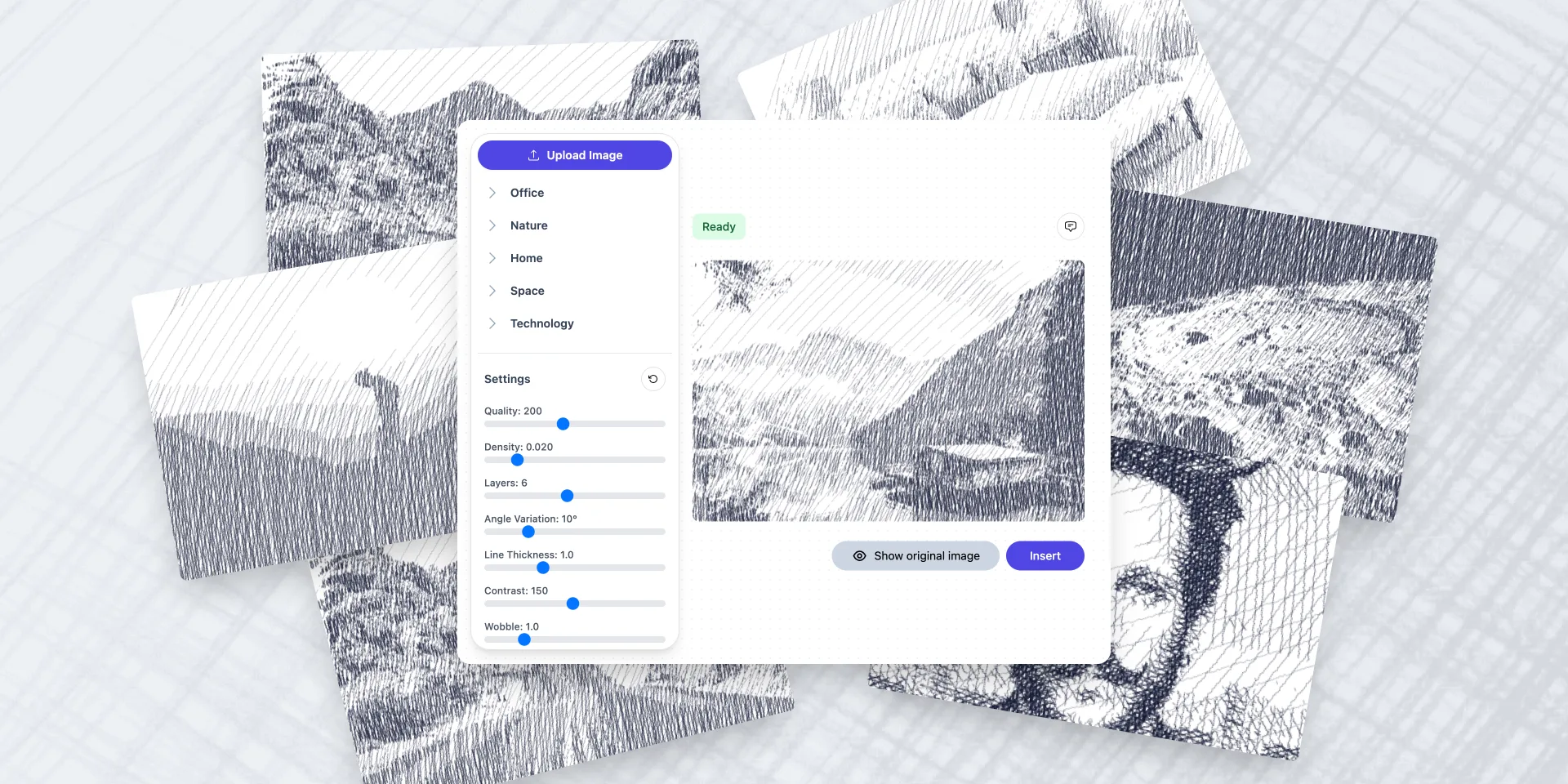
Crosshatch Image Effect Generator
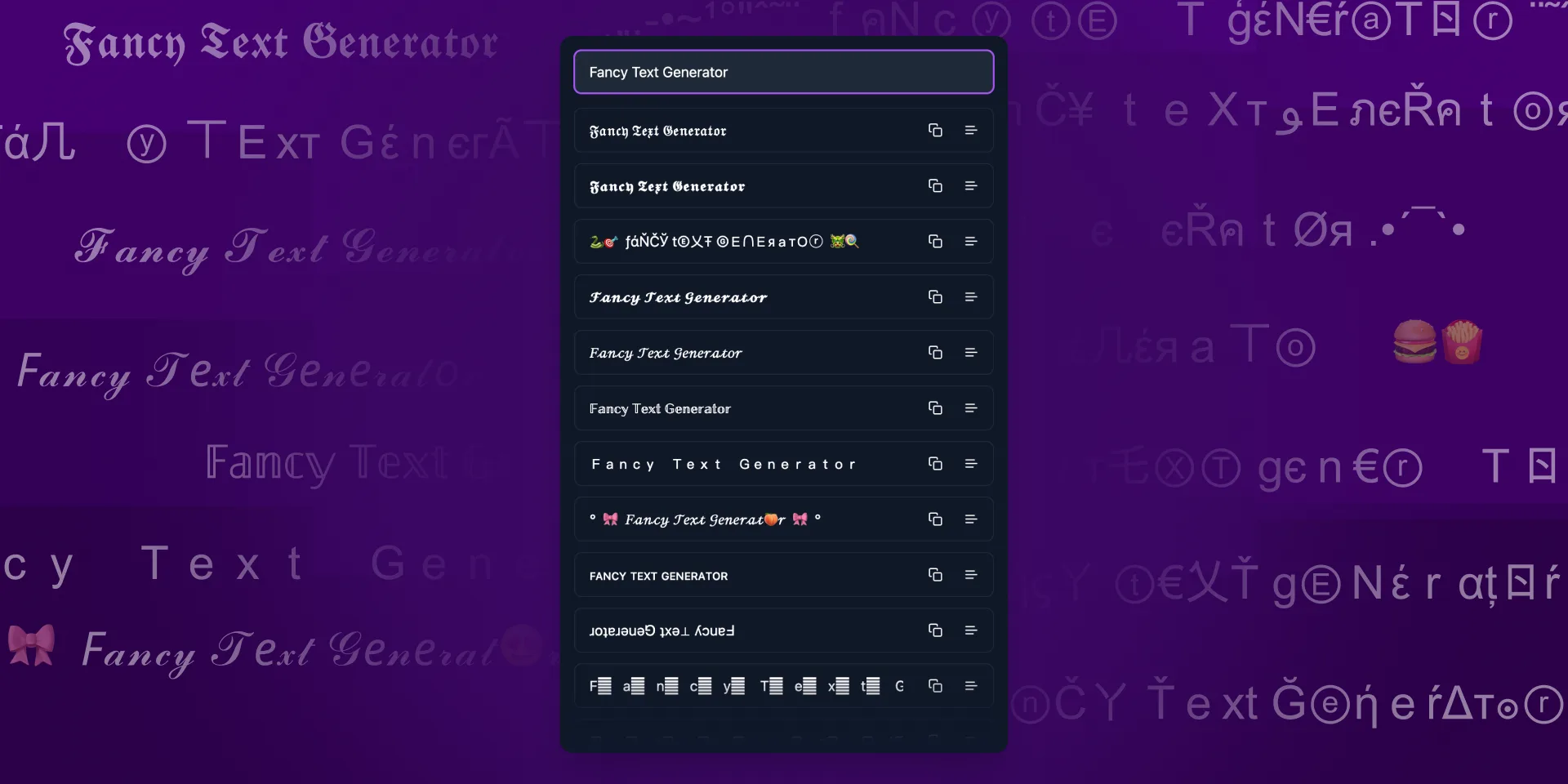
Fancy Text Generator
Figma to Plugin API

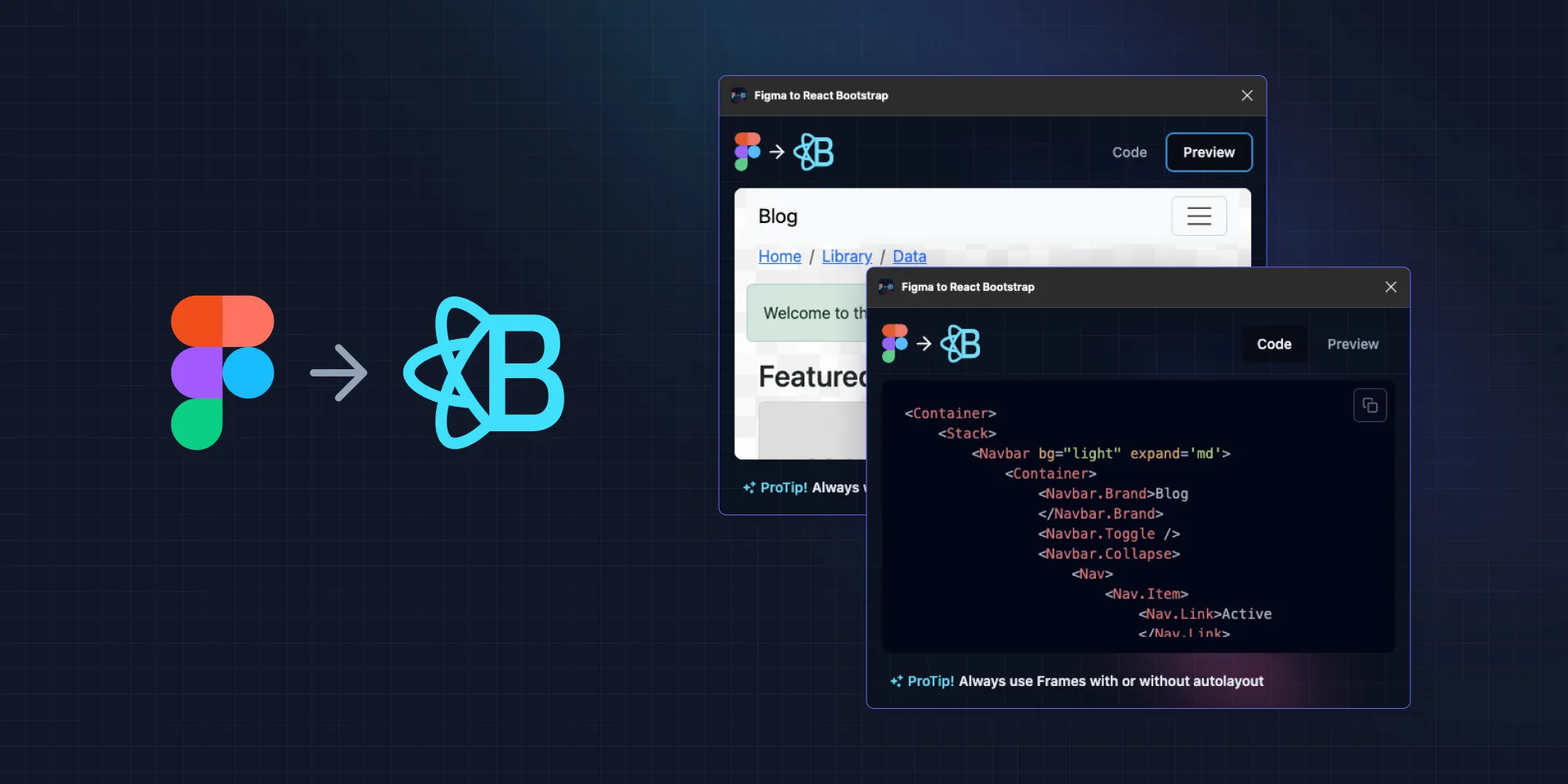
Figma to React Bootstrap
Figma to Tailwind CSS AI

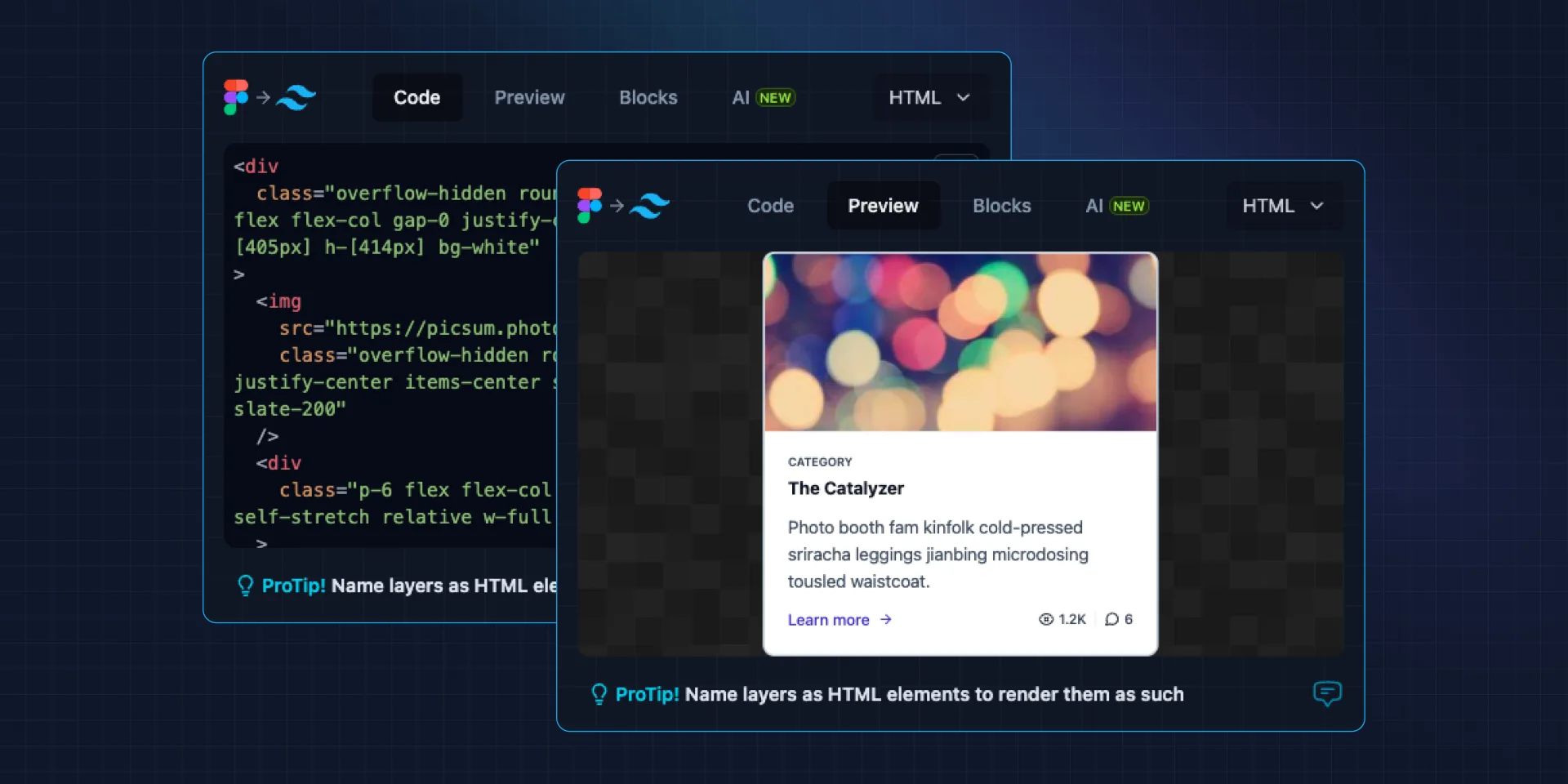
Figma to Tailwind CSS
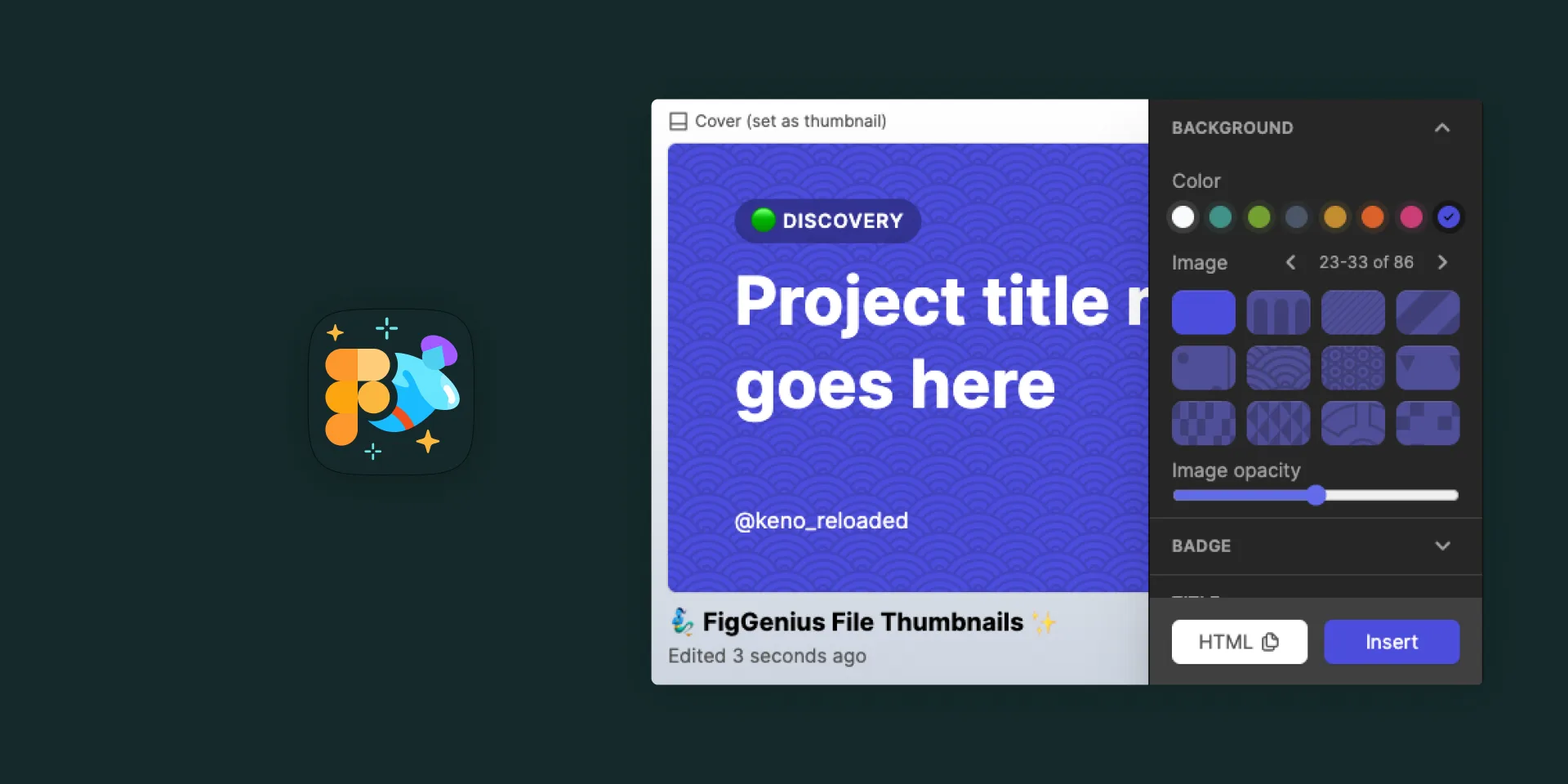
File Thumbnails Generator
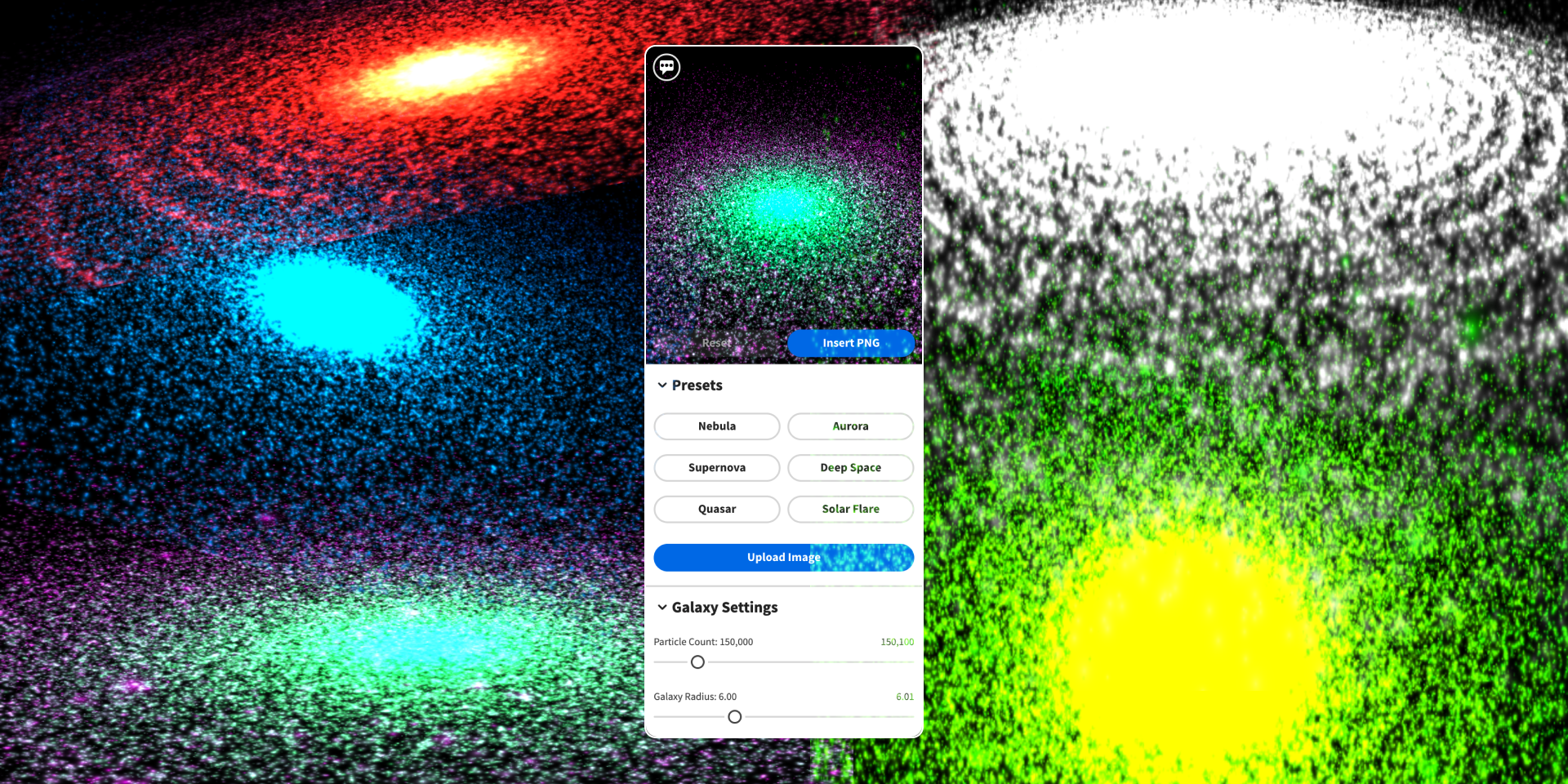
Galaxy Background Generator
Geometric Tile Pattern SVG Generator

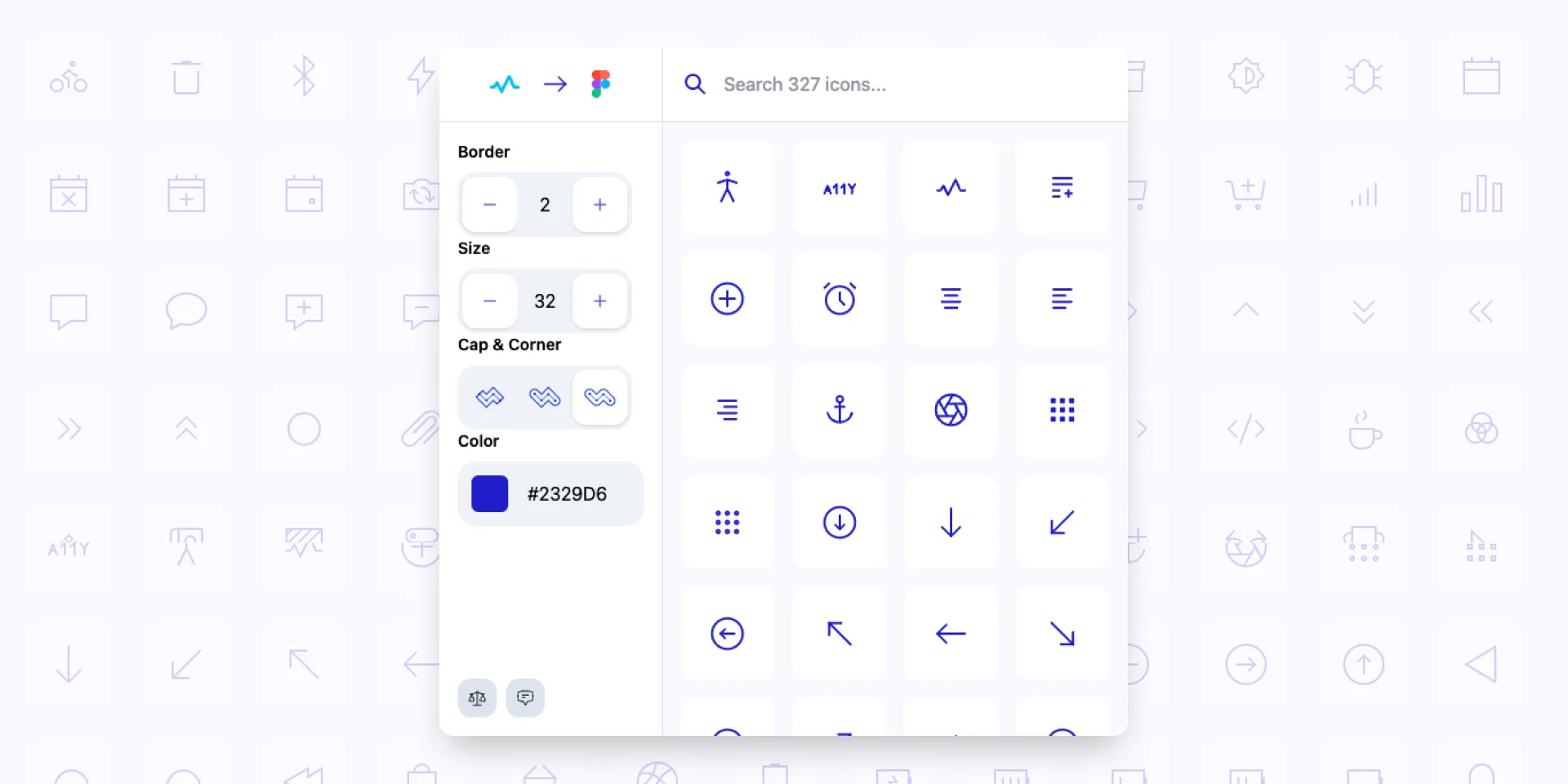
Iconiverse

Ikonate to Figma
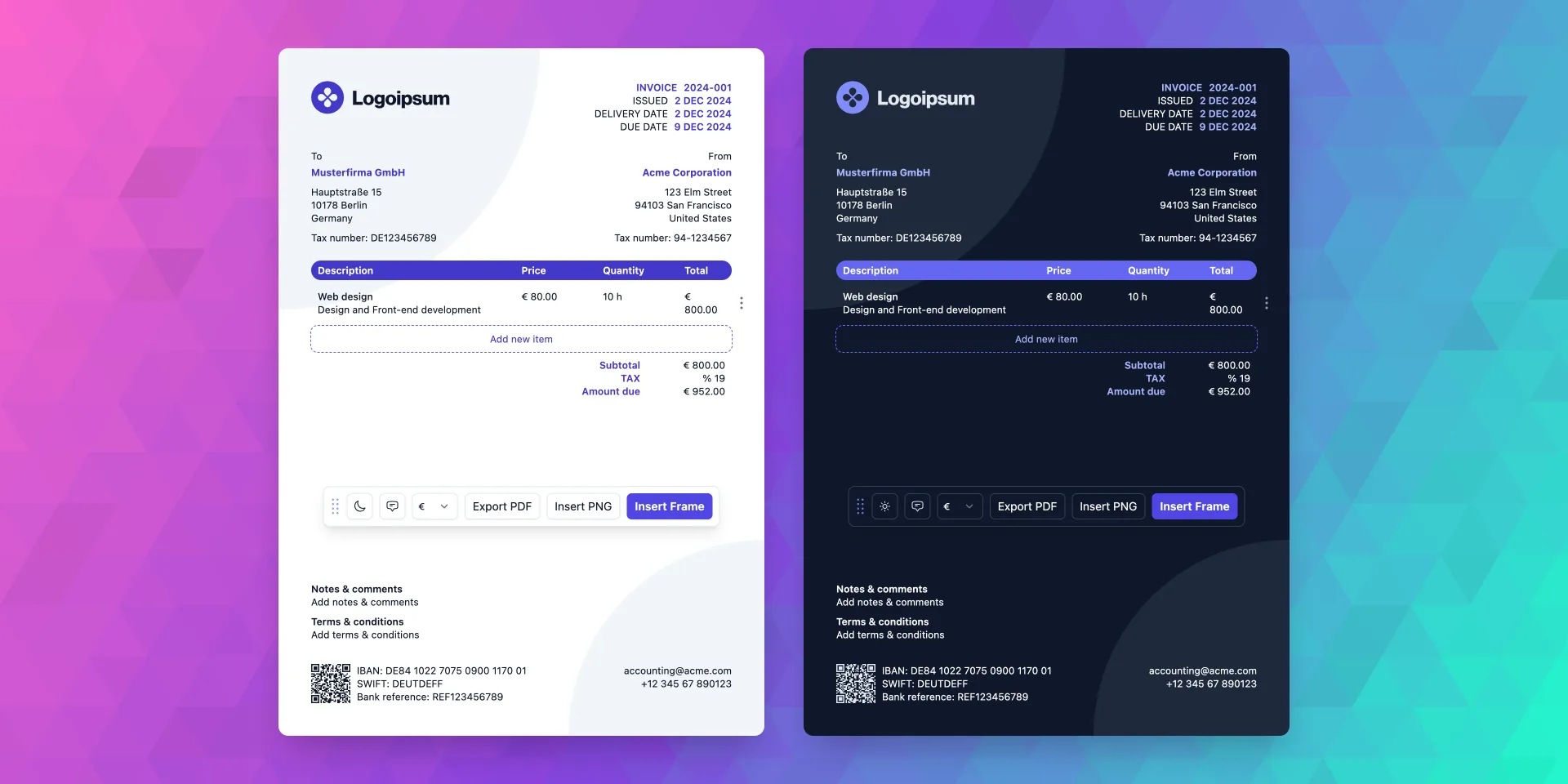
Invoice Gen Z
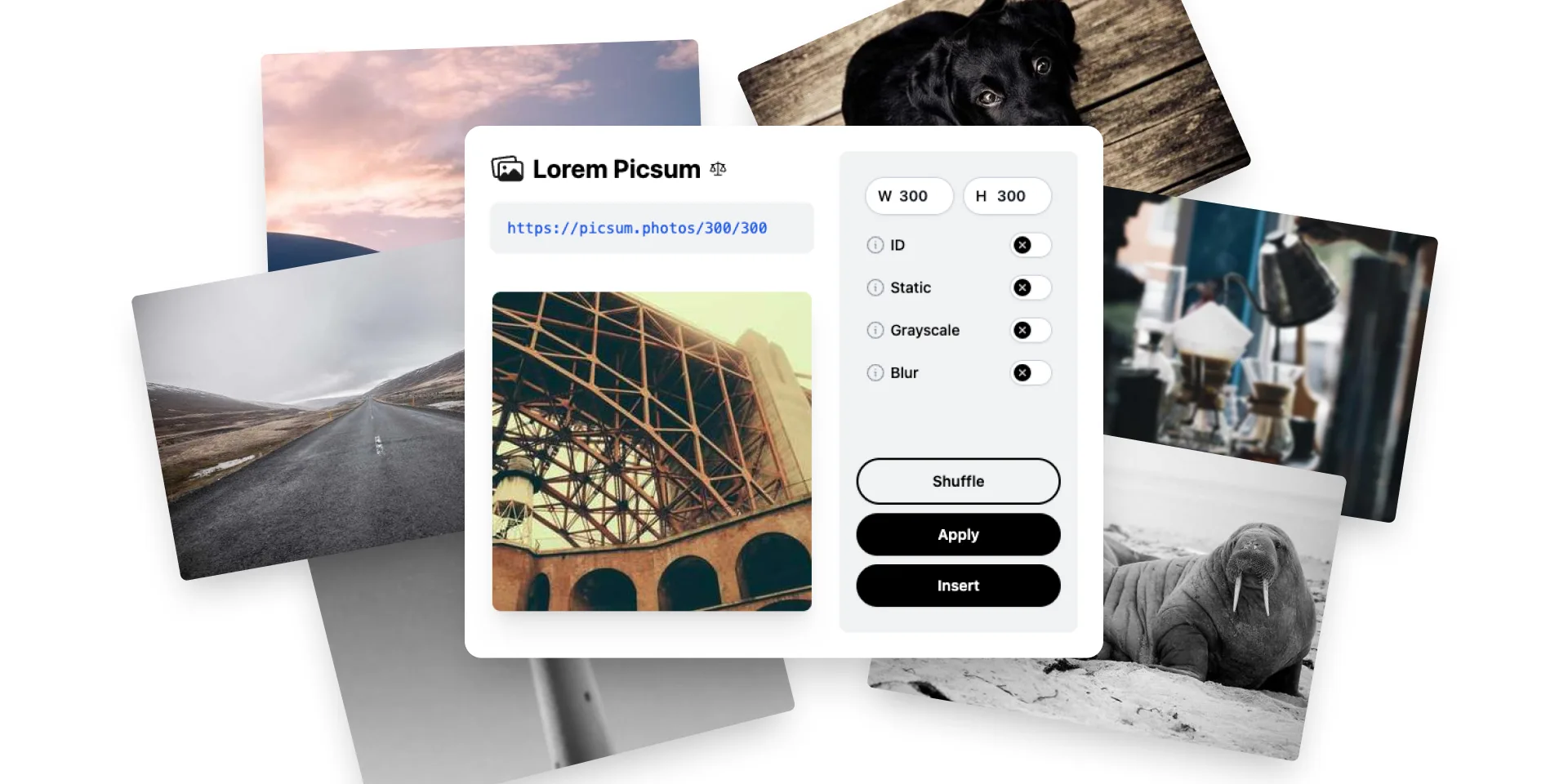
Lorem Picsum to Figma
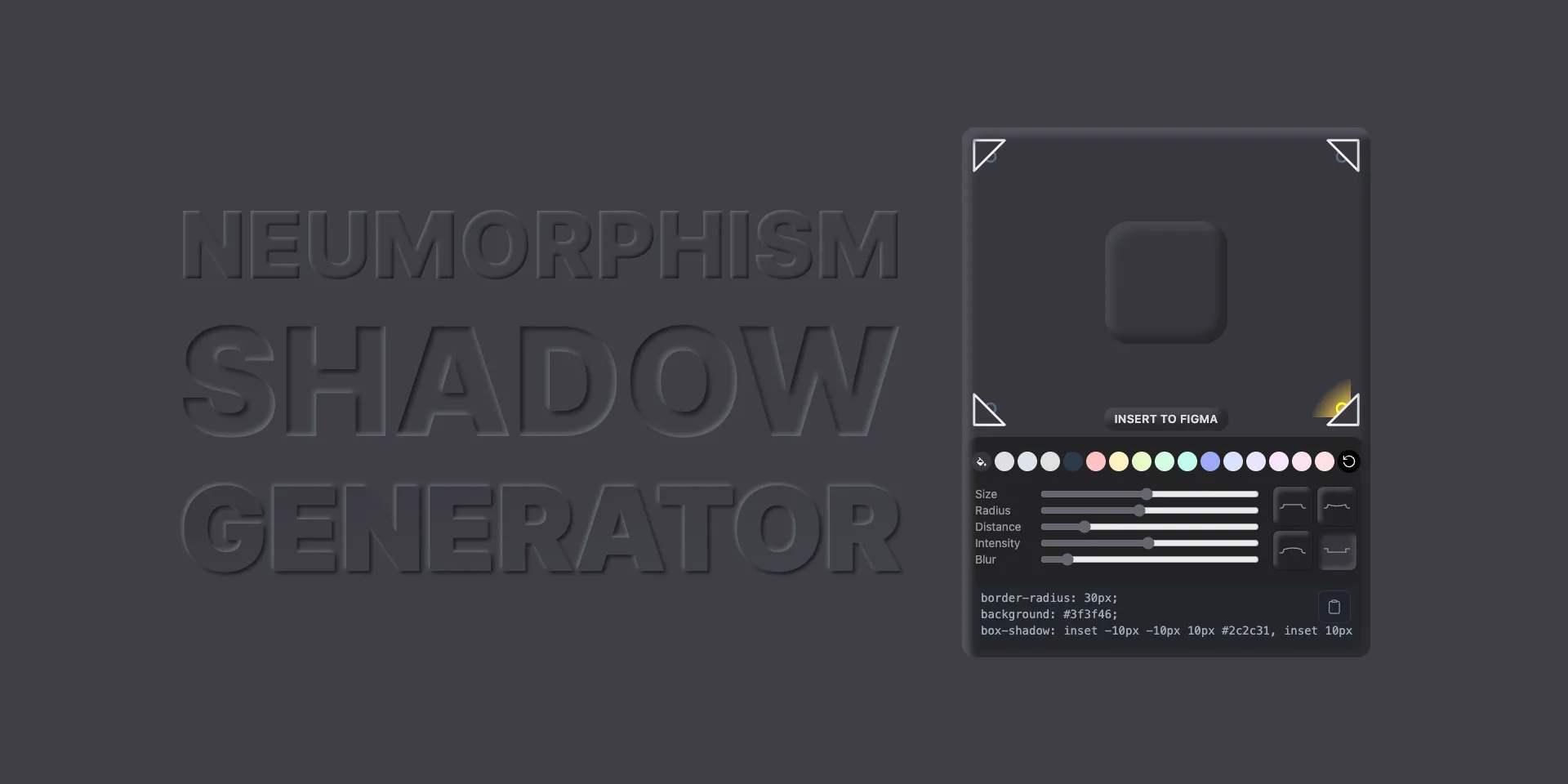
Neumorphism Shadow Generator
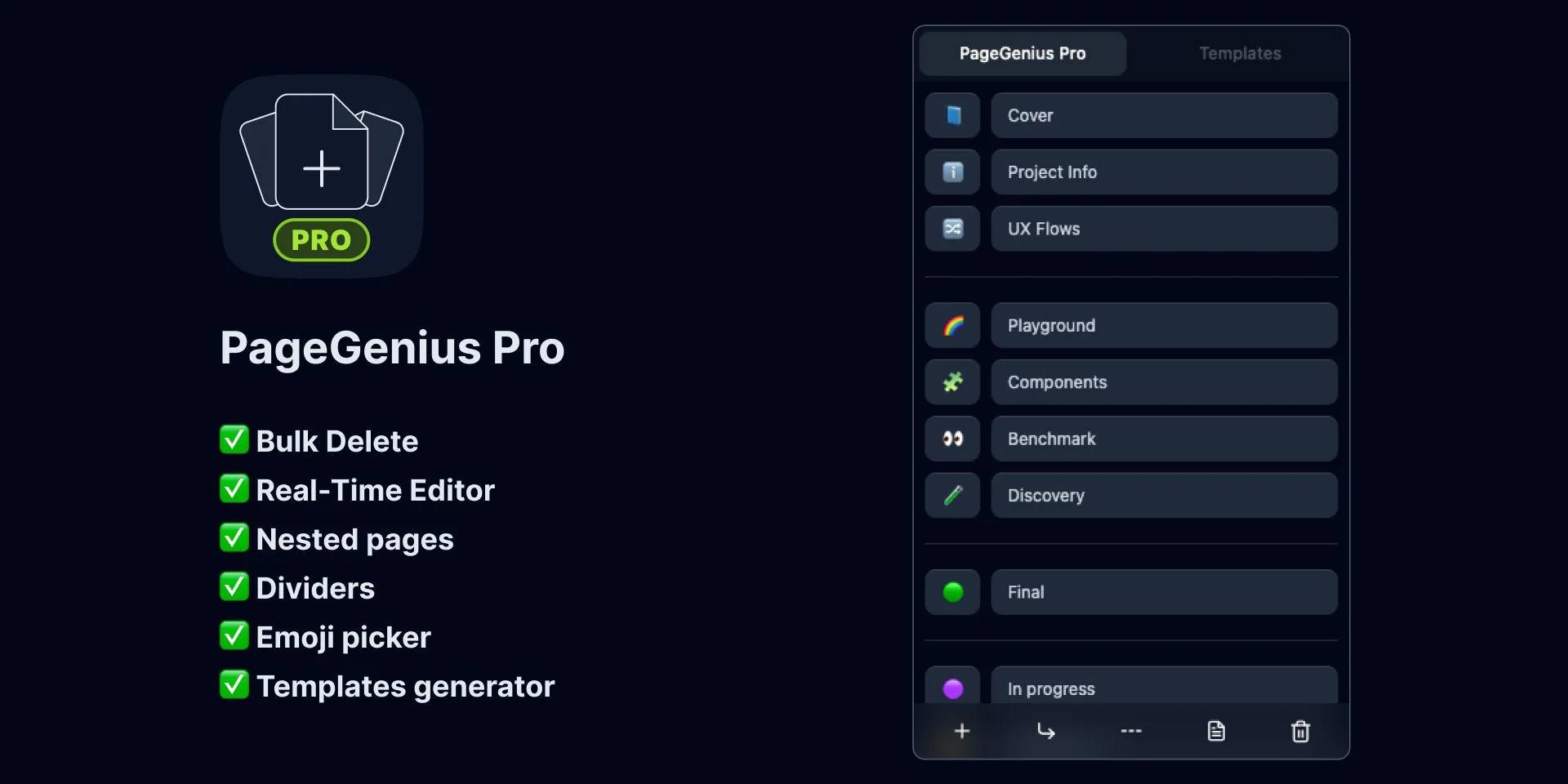
PageGenius Pro
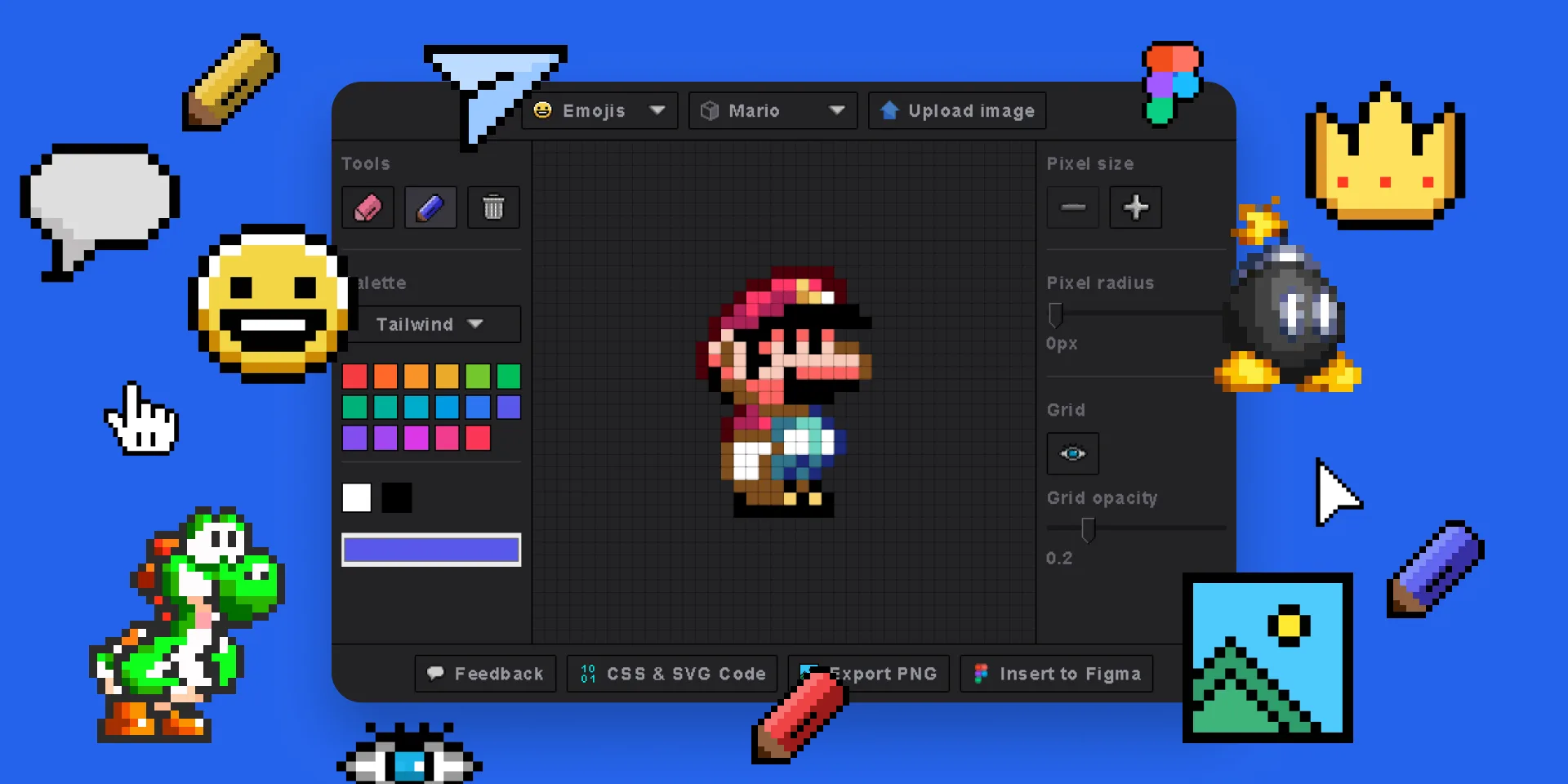
Pixel Art Generator
Polygon Background Generator
Popular Brand Logos
QR Code Gen Z
Seamless Waves Generator

SVG Patterns
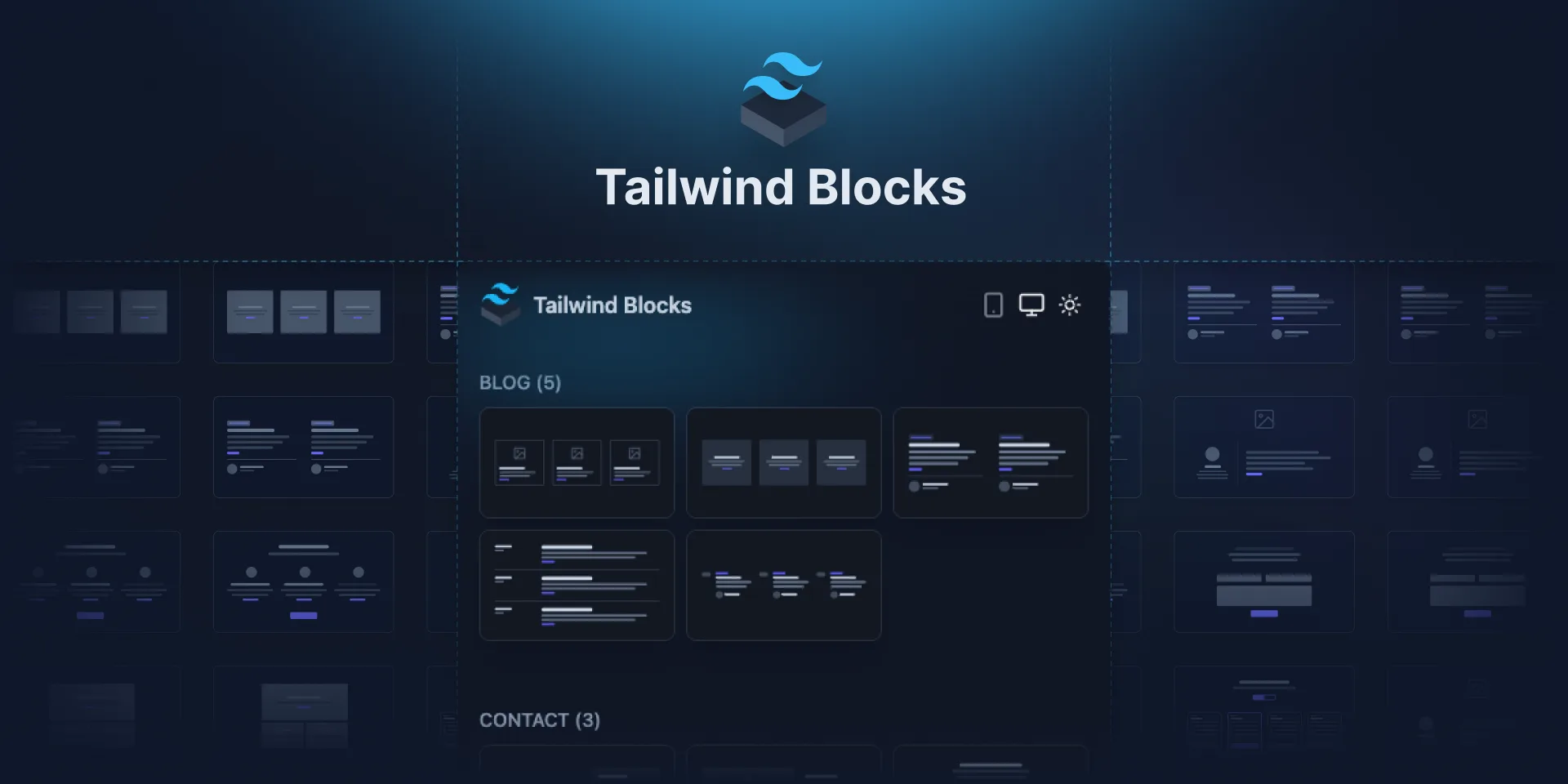
Tailwind Blocks
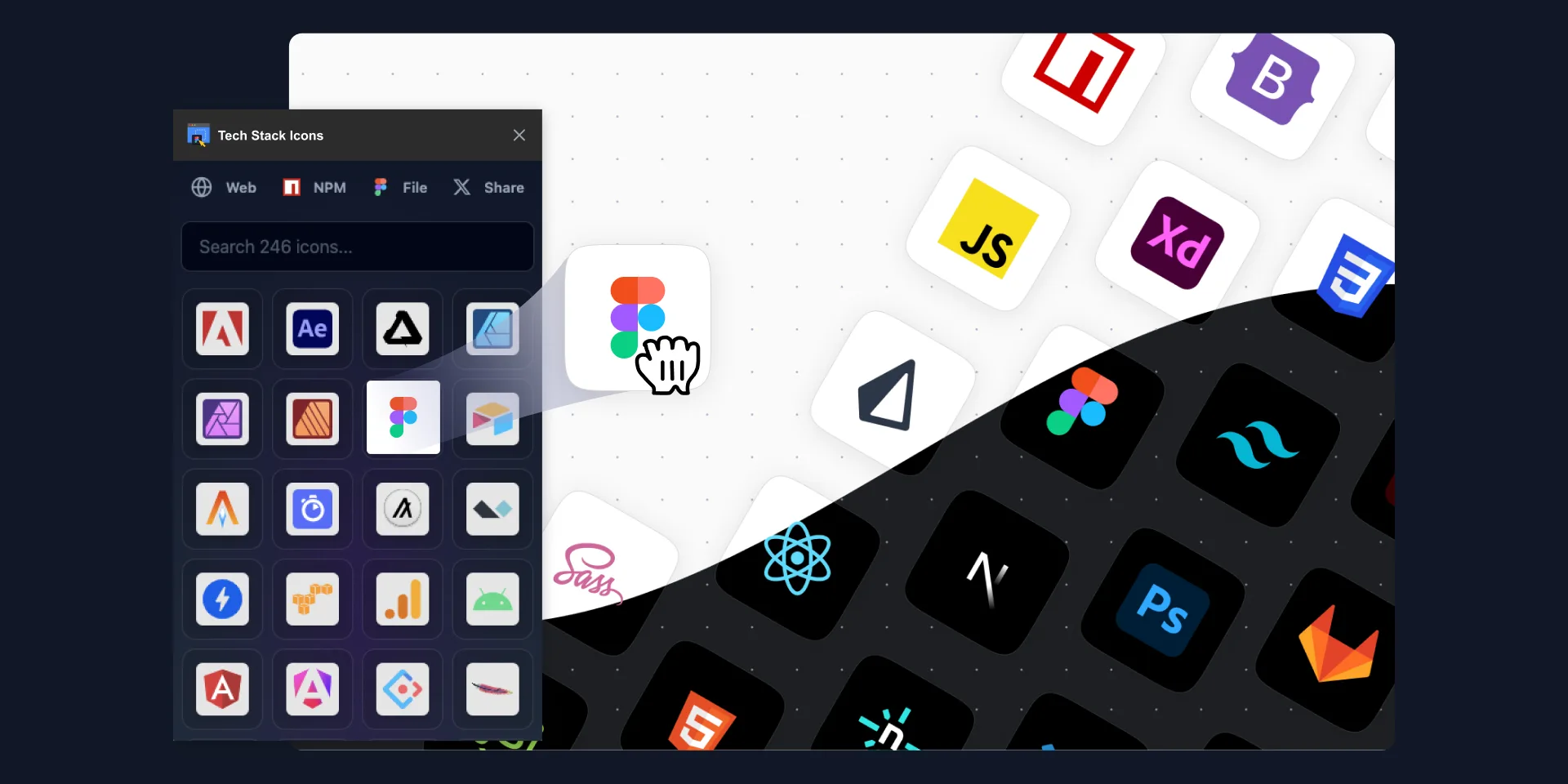
Tech Stack & Design Stack Icons
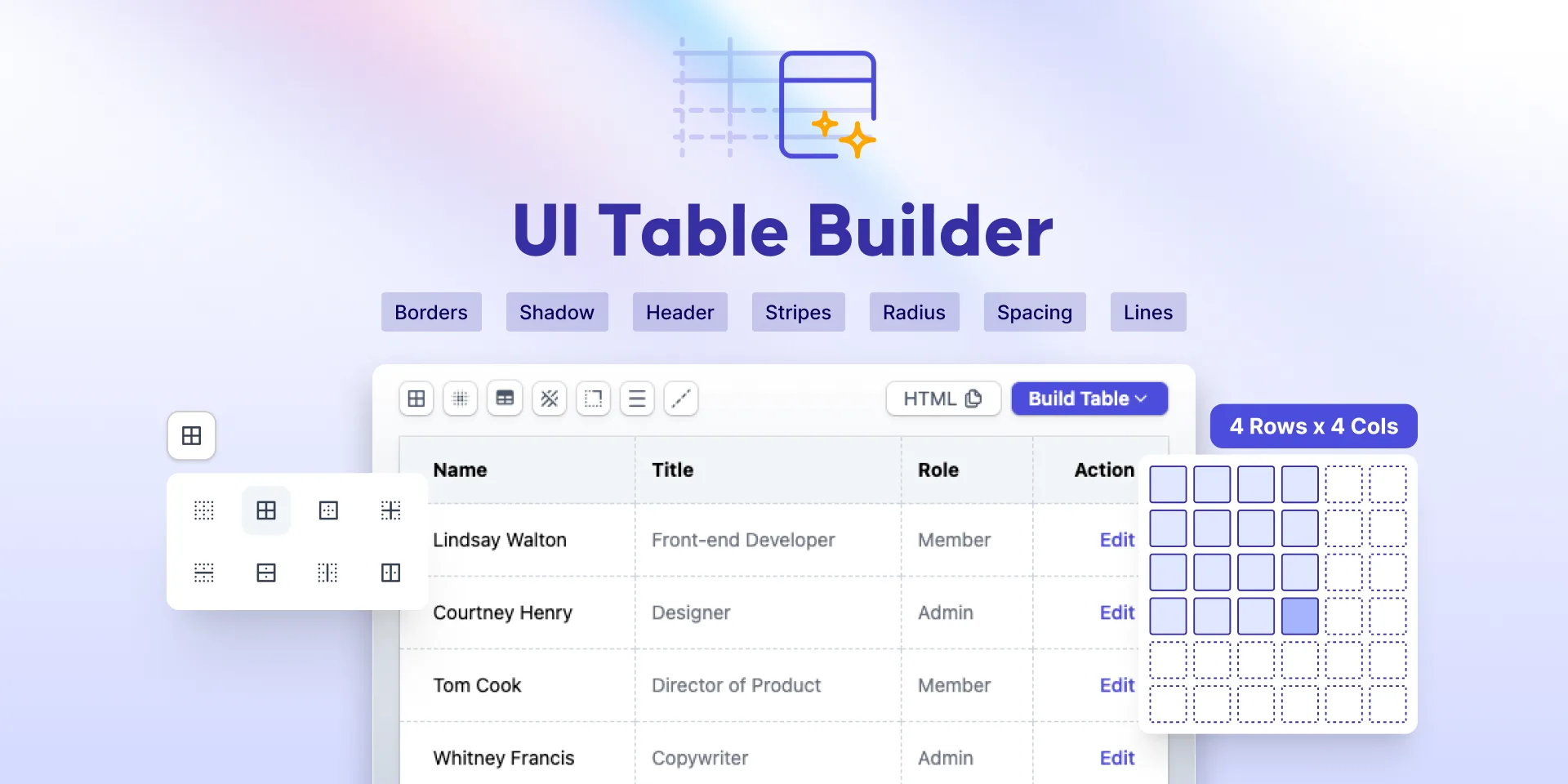
UI Table Builder
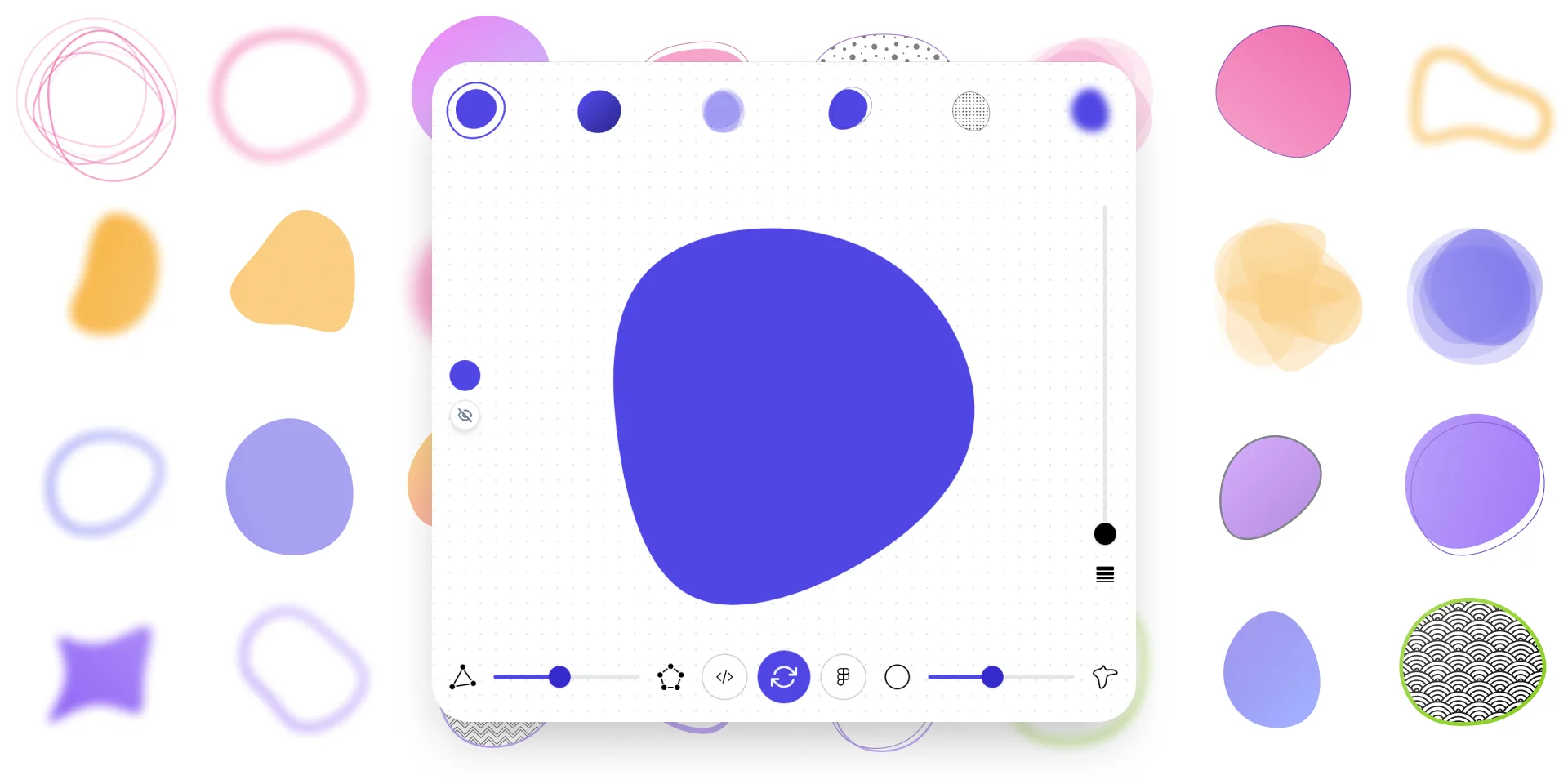
Ultimate Blob Maker Designer
Variables Doc Designer
Add-ons for Adobe Express
Blob Maker
Clip path generator

Liquid Metal Generator
Neumorphism Shadow Generator

Pixel Art Generator
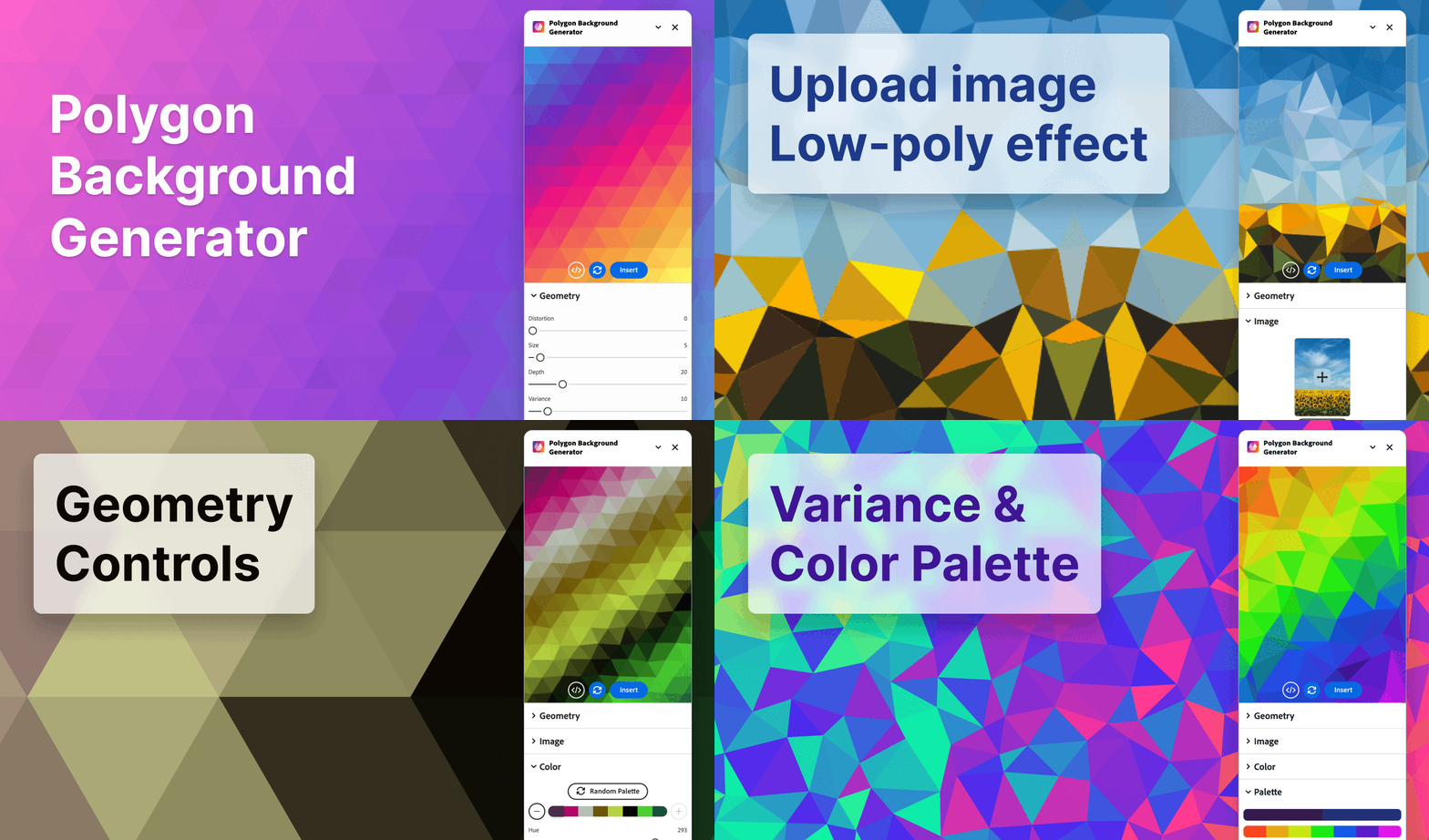
Polygon Background Gen Z
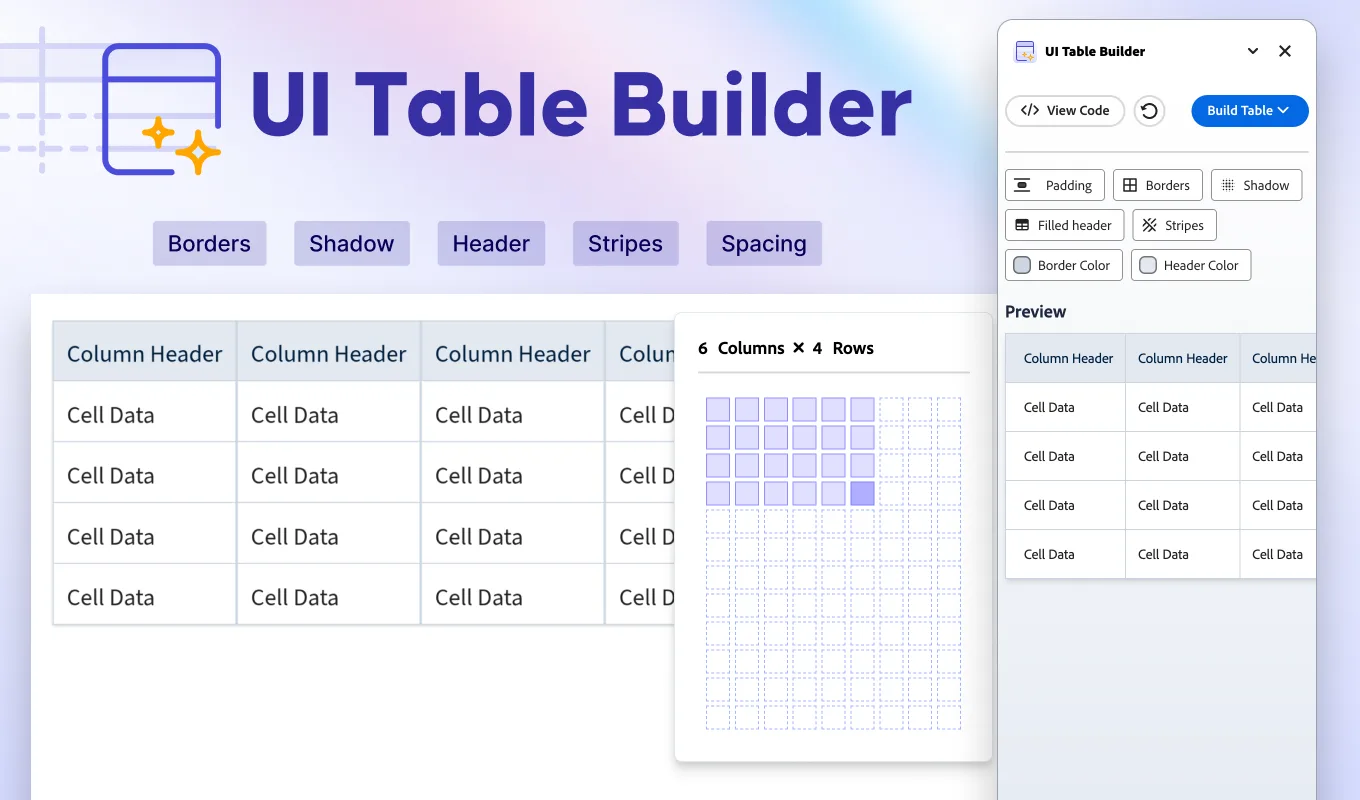
UI Table Builder
Miro Apps
Blob Maker
Clip Path Generator
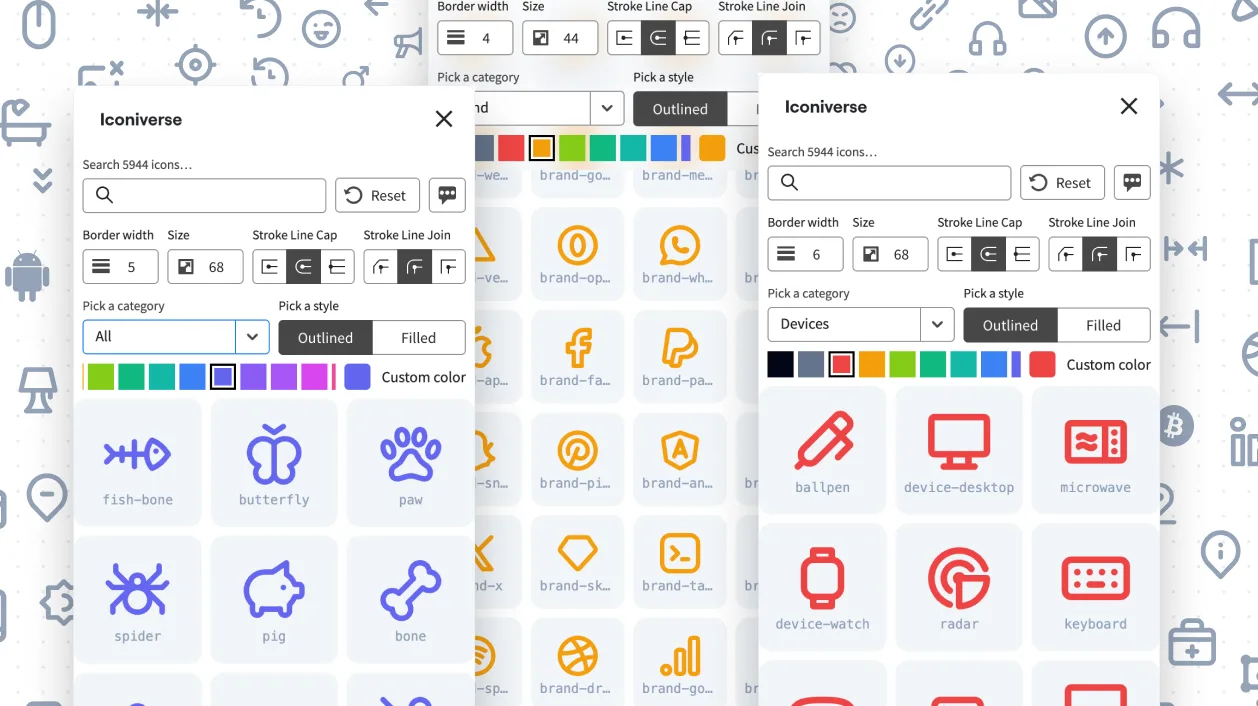
Iconiverse
Liquid Metal Generator
Neumorphism Shadow Generator
Pixel Art Generator
Polygon Background Generator
Tech Stack & Design Stack Icons