Why Convert Figma to Tailwind CSS?
Manually translating Figma designs into Tailwind CSS is time-consuming and error-prone. Our plugin automates this process — select any element, click export, and get pixel-perfect Tailwind code.
⚡ One-Click Export
Select any Figma layer and instantly get Tailwind CSS classes. Typography, colors, spacing, borders, shadows — everything is converted.
🎯 Pixel-Perfect Code
Generated code matches your design exactly. No guessing padding values or color codes — the plugin reads them directly from Figma.
🤖 AI-Powered Option
Upgrade to the AI version for smart responsive breakpoints, semantic class suggestions, and component detection.
How to Convert Figma to Tailwind CSS
Install the Plugin
Install from the Figma Community — takes 10 seconds.
Select a Layer
Select any frame, component, text, or shape in your Figma file.
Generate Code
Run the plugin and see Tailwind CSS utility classes generated instantly.
Copy & Ship
Copy the code to your project. Production-ready, no cleanup needed.
Two Versions: Standard & AI
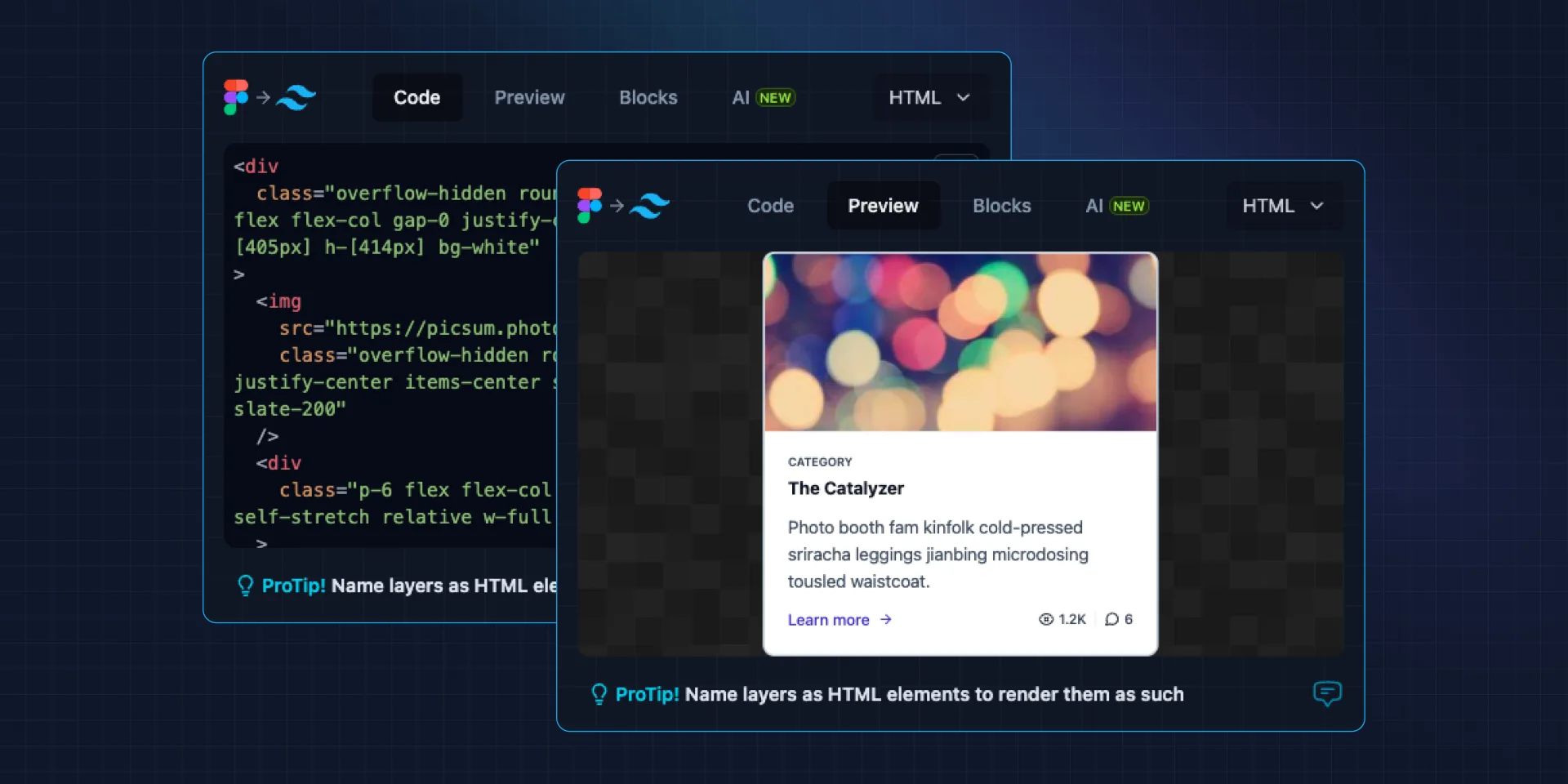
Figma to Tailwind CSS
Standard conversion — reads Figma properties and maps them directly to Tailwind utility classes.
- Typography, colors, spacing, borders
- Box shadows and opacity
- Flexbox and layout properties
- One-click copy to clipboard

Figma to Tailwind AI
ProAI-powered conversion — intelligent code generation with responsive utilities and smart class suggestions.
- Everything in Standard
- AI-powered responsive breakpoints
- Smart component detection
- Semantic class naming